Google Integrates Deep Research AI Agent into Gemini App on Android, Enhancing Research Assistance

Google Expands Deep Research AI Agent to Gemini App on Android

Google is bringing its Deep Research AI agent to the Gemini app for Android, expanding its capabilities beyond the web version. Initially launched in December 2024, this AI-powered research assistant was designed to create multi-step research plans, conduct web searches, and compile detailed reports on complex topics. Until now, this advanced tool was only accessible via the web, but with its integration into the mobile app, users will have greater flexibility in conducting in-depth research on the go. However, the feature remains exclusive to paid Gemini subscribers.

The official Gemini handle on X (formerly known as Twitter) confirmed the rollout of the Deep Research AI agent for Android users. According to the announcement, the feature is being gradually deployed and may take a few weeks to become available worldwide. Once integrated, users can access Deep Research through the Gemini Advanced drop-down menu within the app. This move is expected to enhance the app’s functionality, providing a more seamless and efficient research experience for mobile users.

One of the key highlights of the Deep Research AI agent is its multilingual support. Upon its initial launch, Google stated that the tool would be available in 45 languages, including Arabic, Bengali, English, French, Japanese, Russian, Tamil, and Vietnamese. This wide linguistic range makes the AI-powered research assistant more accessible to users across different regions, allowing them to conduct research in their preferred language with ease.

Deep Research is powered by Gemini 1.5 Pro, Google’s latest AI model, which enables it to process and analyze complex queries efficiently. As AI continues to evolve, integrating research-focused tools like this into mobile applications signifies Google’s commitment to making advanced AI-driven assistance more accessible. With the expansion of Deep Research into the Gemini Android app, users can expect a more comprehensive and intelligent research experience right at their fingertips.
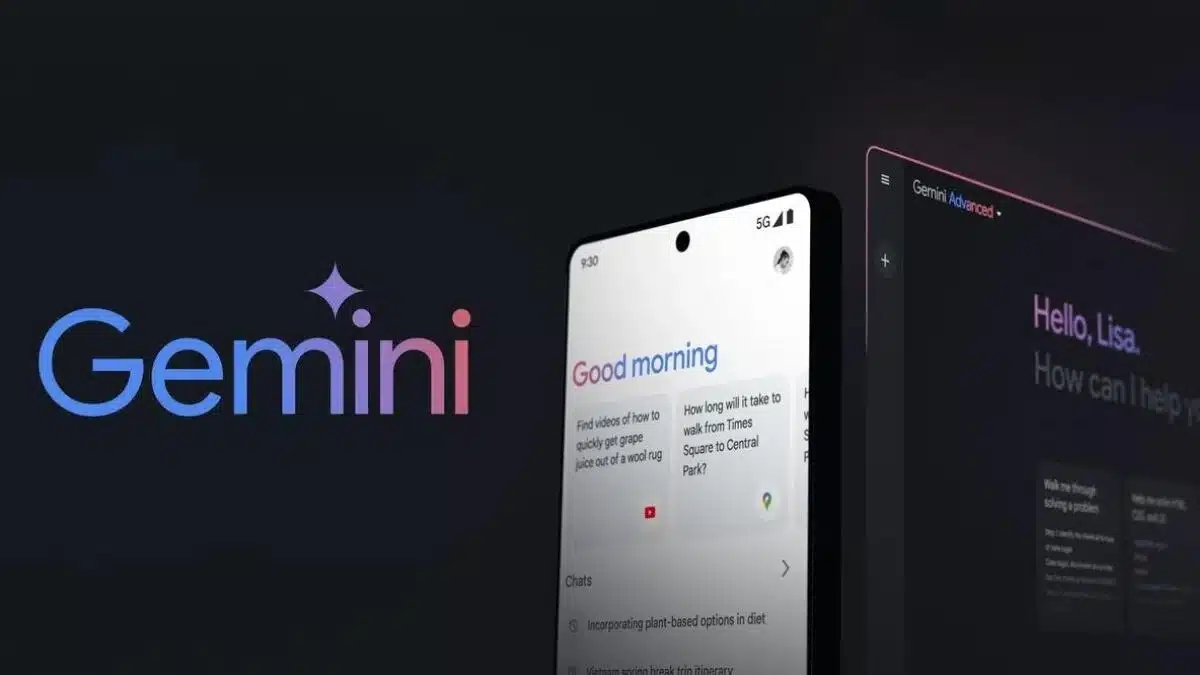
Google Developing ‘Talk Live About Screen’ Shortcut for Gemini Live

Google is reportedly developing a new shortcut for its Gemini Live feature, making AI interactions even more seamless. First mentioned during the recent Galaxy Unpacked event, the “Talk Live About Screen” shortcut will allow users to have real-time, two-way voice conversations with Gemini AI about the content displayed on their screens. While initially showcased for the Samsung Galaxy S25 series, the feature is expected to roll out to other Android devices in the near future. A recent leak has provided further evidence that Google is actively working on integrating this shortcut into Gemini Live.

A well-known tipster, AssembleDebug, shared insights about the new shortcut on X (formerly Twitter). Although the method used to discover it remains unclear, it was likely found in the latest beta version of the Google or Gemini app. A screenshot shared in the post reveals the presence of a redesigned Gemini overlay, where a new “Ask About Screen” icon sits atop the user interface. This feature allows the AI assistant to capture a quick screenshot, enabling users to type their queries and receive AI-powered insights.

Currently, Gemini allows users to analyze on-screen content through text input, but voice-based interactions are not yet supported in this context. The new “Talk Live About Screen” shortcut aims to address this limitation by enabling spoken conversations about on-screen elements. The shortcut is positioned directly above the “Ask About Screen” button, offering users a more intuitive and efficient way to engage with Gemini AI.

At the Galaxy Unpacked event, a Google representative explained that tapping the shortcut would instantly take a screenshot and open the Gemini Live interface, allowing users to verbally interact with the AI. Although Google has not officially announced a release date, the presence of this feature in testing suggests that it could be rolled out soon, potentially transforming how users engage with AI for real-time screen analysis.

Windows 11 May Introduce Quick File Sharing Options, Hints Latest Preview Build

Microsoft is testing a new way to share files in Windows 11, as spotted in the latest preview build. The feature, called “Drag Tray,” allows users to drag files to the top of the screen in File Explorer, where a tray of sharing options appears. This method, similar to file-sharing gestures on smartphones, makes it easier to send files via apps like Outlook, Mail, or Phone Link. Although Microsoft has not officially announced this feature, multiple users have reported its presence in Windows 11 Insider Preview Build 22635.4805.

The discovery was highlighted by X user Phantomofearth (@phantomofearth), who shared a video demonstrating how the Drag Tray works. According to the user, this functionality simplifies file sharing by integrating quick shortcuts directly into the File Explorer UI. Once a file is dragged to the top of the screen, a tray opens with available sharing options, allowing users to send files seamlessly without navigating through menus. This improvement brings Windows 11’s file-sharing experience closer to what users are accustomed to on Android and iOS.

Interestingly, the Drag Tray feature was not mentioned in Microsoft’s official release notes for the update. However, Phantomofearth revealed that it can be manually enabled using a third-party tool called ViVeTool. By entering the command “/enable /id:45624564,53397005” and rebooting the system, users can activate the feature ahead of its official rollout.

While the Drag Tray is currently experimental, it could be part of Microsoft’s broader effort to refine Windows 11’s usability. If the feature proves successful in testing, it is likely to become a standard addition in future Windows 11 updates, making file sharing more intuitive and efficient.