
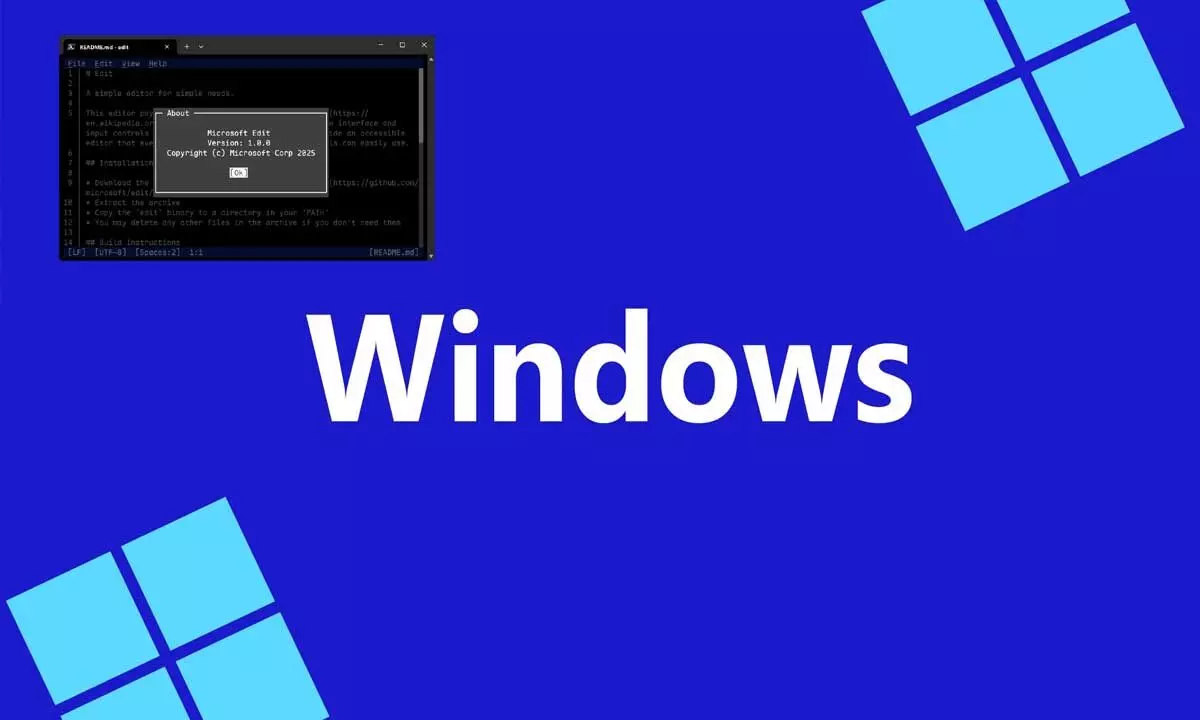
At Microsoft’s Build 2025 developer conference, the company unveiled several important updates, with a major focus on advancements in artificial intelligence and agentic technologies. Alongside these AI innovations, Microsoft introduced a brand-new open-source command-line text editor for Windows named Edit. This lightweight yet powerful tool is designed to help developers and users easily edit files directly within the command line interface, offering a blend of simplicity and modern functionality.
Microsoft’s Edit editor is built as a modeless Text User Interface (TUI) editor, allowing users to navigate and modify text without having to switch modes, a feature that simplifies the editing experience. Paying tribute to the classic MS-DOS Editor many remember fondly, Edit modernizes the concept with an interface inspired by Visual Studio Code, making it more user-friendly and accessible to developers who may not be familiar with traditional terminal-based editors. The project is fully open source and available on GitHub, giving the community the chance to contribute, customize, or build the editor from scratch.
One of the key motivations behind creating Edit was to address a common frustration among developers: the difficulty in exiting some command-line editors like Vim, famously encapsulated in the “How do I exit vim?” meme. Christopher Nguyen, Microsoft’s Product Manager for Windows Terminal, explained that Edit aims to offer a straightforward alternative that eliminates such usability hurdles. The tool is specifically tailored for 64-bit Windows environments, filling a gap since MS-DOS Edit is only available on 32-bit Windows, leaving many users without a native CLI editor for modern systems.
Overall, Microsoft Edit represents an effort to modernize the command-line editing experience while maintaining familiarity for longtime users. Its release as open-source software encourages community involvement, ensuring the editor can evolve to meet developers’ needs. By combining ease of use with robust editing features, Edit could become a go-to tool for Windows users seeking a simple yet capable text editor in the terminal.