Yazılar

macOS Sequoia 15.4 Update Patches Vulnerabilities, Introduces Redesigned Mail App and New Apple Intelligence Features

Apple has begun rolling out the macOS Sequoia 15.4 update to eligible Mac devices, bringing a range of new features and critical security fixes. The update addresses over 120 vulnerabilities within the operating system, making it a crucial download for users concerned about device security. These fixes target various issues, including bugs that could allow unauthorized access to sensitive data and unauthorized autofilling of passwords. Users are urged to update their devices promptly to ensure protection against potential exploits and threats.

In addition to these security patches, macOS Sequoia 15.4 introduces a redesigned Mail app, a feature that had already been seen in iOS. The updated Mail app now categorizes emails into four distinct sections—Primary, Transactions, Updates, and Promotions—making it easier to navigate and prioritize incoming messages. Another useful addition is the Digest View, which groups related emails from the same sender into a single thread for better organization. Apple also expanded the reach of its Apple Intelligence capabilities, which are now available in more languages, including Hindi and English (India), among others. This brings Apple’s AI-driven features to more users, including those in India.

The update also brings some exciting features that were first seen on iOS, such as the Memory Movie feature, which creates automated video montages from users’ photos and videos. The Image Playground app receives a new Sketch style, adding more creative options for users who enjoy experimenting with images. However, it’s worth noting that while macOS Sequoia 15.4 includes many enhancements, it does not yet support Priority Notifications, a feature already available on iOS 18.4 and iPadOS 18.4, which helps prioritize more urgent notifications.

Finally, the Quick Start feature has been added to macOS Sequoia 15.4, simplifying the process of setting up a new Mac. With this feature, users can scan a moving image on their iPhone or iPad to quickly transfer settings and begin using their new Mac with minimal hassle. This streamlined setup process is designed to make it easier for users to get up and running on their new devices without spending too much time on configuration.

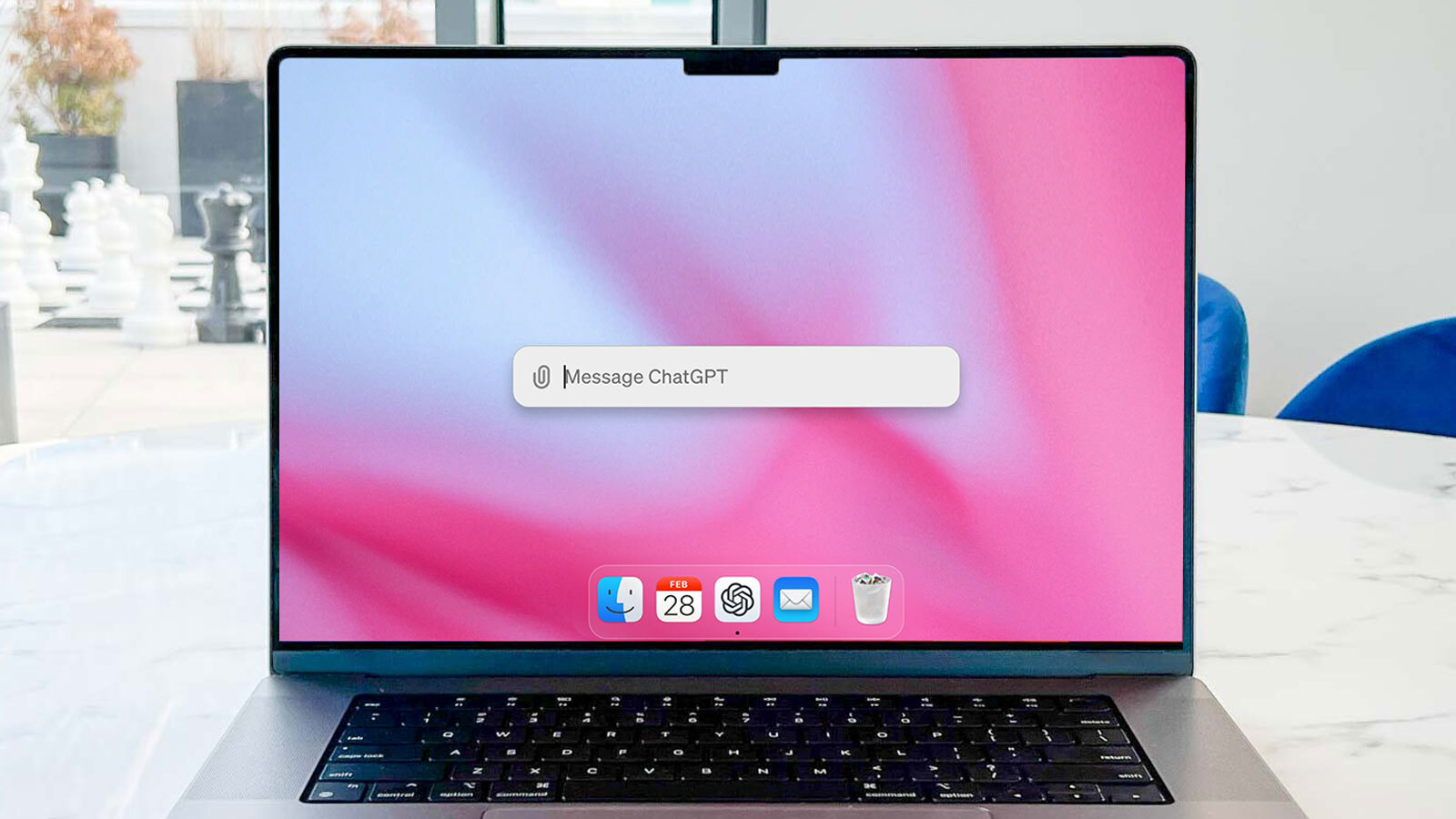
ChatGPT for macOS Receives Major Update with Code Editing Feature Integrated Into IDEs

ChatGPT for macOS has just received a highly anticipated update aimed at enhancing the productivity of software developers. The new feature allows users to edit code directly within their integrated development environments (IDEs), streamlining the coding workflow and eliminating the need for manual code transfers. This update is designed to save developers valuable time by removing the previous cumbersome process of copying and pasting code between ChatGPT and their preferred coding tools. This improvement comes on the heels of OpenAI’s recent expansion of the Canvas feature for macOS, further strengthening the app’s capabilities for developers.

Previously, ChatGPT for macOS could assist developers by generating code suggestions and edits based on text prompts or context from the user’s existing codebase, which could be uploaded via screenshots. However, the process of transferring the modified code back into the IDE was not seamless. Developers had to manually copy and paste the changes, which not only wasted time but also carried the risk of errors, such as duplicating lines of code or missing important updates.

The new code editing capability directly within the IDE addresses these challenges. By allowing ChatGPT to interact directly with the developer’s coding environment, this update enables a smoother, more efficient experience. Developers can now focus more on their work and less on managing the flow of code between different platforms, with the AI seamlessly applying the changes where they are needed. This is expected to significantly reduce the time spent on mundane tasks like code transfer and error correction, improving overall productivity.

This feature is particularly useful for those working on larger projects or collaborative coding environments, where code changes are frequent and need to be integrated quickly. With the addition of this feature, ChatGPT for macOS is positioning itself as a more powerful tool for developers, enhancing its role as an AI assistant that not only suggests code but also integrates smoothly into their daily coding tasks. This update underscores OpenAI’s commitment to improving the developer experience by continually enhancing ChatGPT’s capabilities for real-world applications.

ChatGPT macOS App Update Adds Companion Window for Enhanced Multitasking

New Shortcut: Press Option + Space to Activate Companion Window Mode on ChatGPT for macOS Devamını Oku