FBI Warns Against Using Public Phone Charging Stations

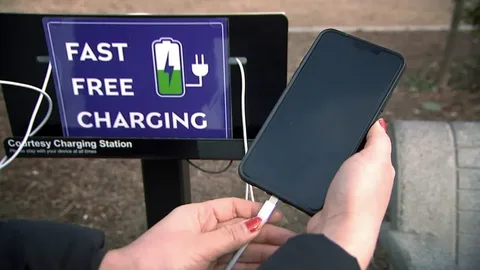
The FBI has issued a warning advising consumers to avoid using public phone charging stations due to the risk of exposing their devices to malware and monitoring software. According to a recent tweet from the FBI’s Denver branch, public USB charging stations, commonly found in malls and airports, may be compromised by malicious actors aiming to infect devices with harmful software. The FBI recommends carrying your own charger and USB cord and using a traditional electrical outlet instead.

This precaution stems from concerns that have been raised by security experts for years. The term “juice jacking,” coined in 2011, refers to the risk of malware being transmitted through compromised charging stations. Drew Paik, a former security expert at Authentic8, explains that simply plugging your phone into a compromised charger can infect your device, potentially compromising personal data such as emails, text messages, photos, and contacts.

The concern is that charging cords can transfer data as well as power. For example, when an iPhone is connected to a Mac via a charging cord, data such as photos can be transferred. A compromised charging port could allow hackers to access a wide range of personal information.

The FBI’s Vikki Migoya noted that the reminder is part of ongoing efforts to keep the public safe, especially while traveling. The Federal Communications Commission (FCC) has also issued a warning, noting that corrupted charging ports can lead to the extraction of personal data or even lock a device. In some cases, criminals might even leave infected cables at charging stations or distribute them as promotional items.
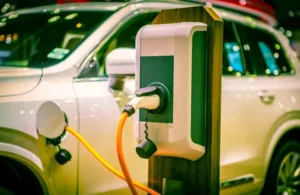
US Government’s Proposal to Boost EV Sales: Challenges and Opportunities

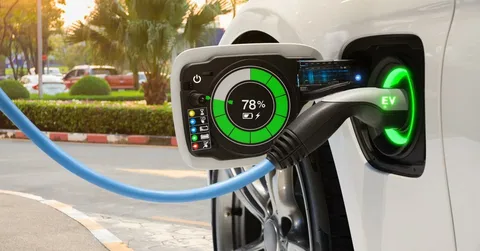
The US government is set to overhaul auto emissions standards, mandating that electric vehicles (EVs) constitute approximately two-thirds of all new car sales by 2032. According to Moody’s analyst Matthias Heck, achieving these targets will be challenging but feasible with significant investment. The proposal remains tentative and could be revised before finalization.

In the coming decade, advancements in battery technology, reduced costs, and government incentives like those from the Inflation Reduction Act will make EVs more attractive to consumers. Chris Harto of Consumer Reports highlights that while EVs are expected to gain substantial market share, the transition will not be abrupt; gas-powered vehicles will still dominate the roads in 2032. However, improved driving ranges, faster charging, and lower operating costs will make EVs more appealing.

Moody’s predicts that next-generation batteries will offer 30% greater range and faster charging, which, coupled with enhanced charging infrastructure, should ease consumer adoption. By 2026, JD Power’s Elizabeth Krear anticipates that EV equivalents will cover 75% of available models, with market share growing to 27%. California, already a leader in EV adoption, is expected to reach two-thirds market share for EVs before 2032, driven by its stringent policies and large market size.

Despite these promising developments, achieving the 2032 goal is not guaranteed. The increasing entry of automakers into the EV market and evolving consumer preferences will play crucial roles. Brands like Toyota and Honda are expanding their EV offerings, with GM aiming to transition to an all-electric lineup by 2035. The Alliance for Automotive Innovation has urged careful planning and collaboration to ensure success.

As the market shifts, automakers that lag in EV adoption may face economic pressures to adapt, making the widespread acceptance of EVs a likely outcome.

How to Protect Yourself from iPhone Thieves Locking You Out

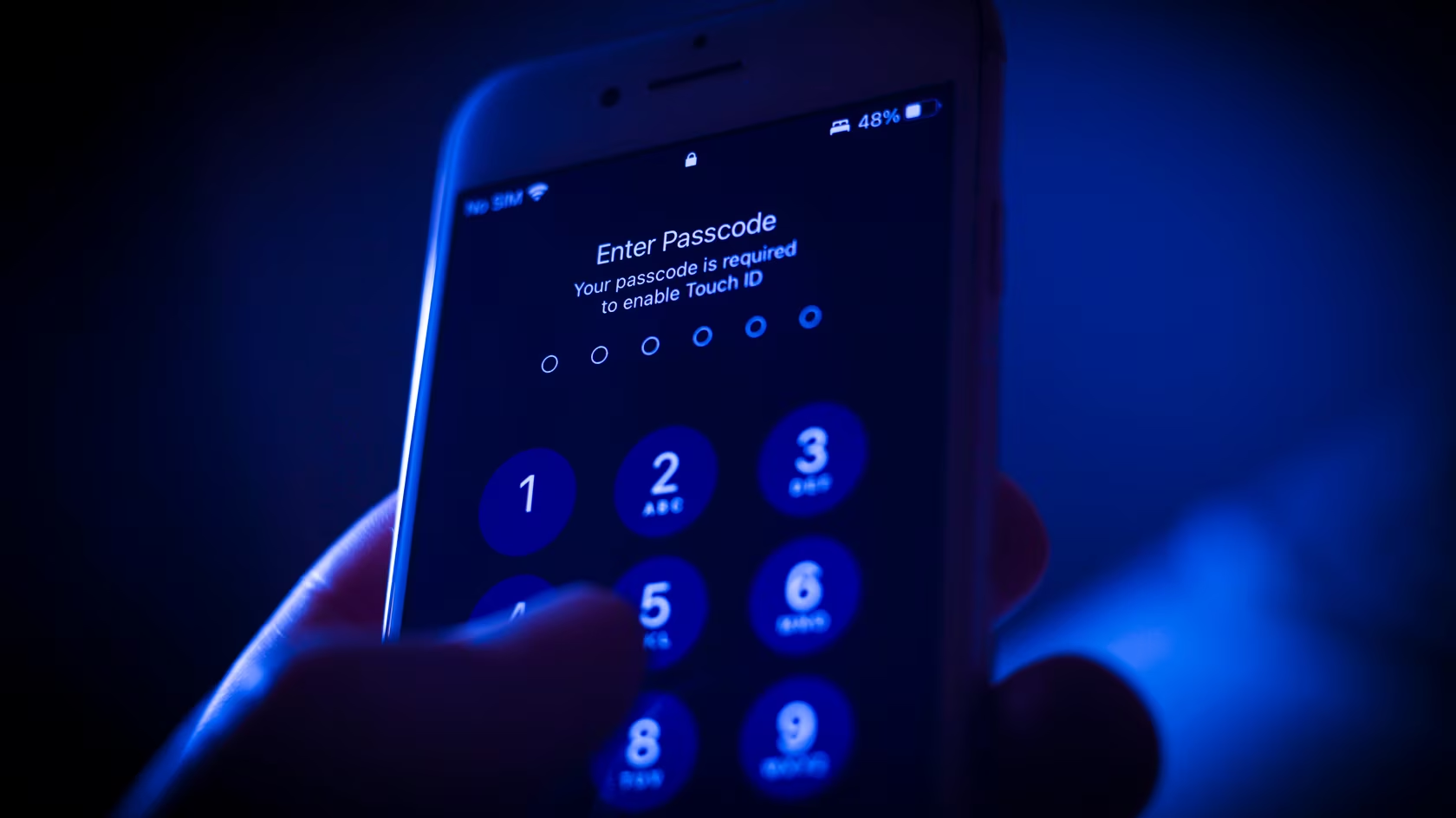
A growing concern is iPhone thieves using a security setting called the recovery key to lock users out of their devices permanently. This method involves stealing the device and using it to change crucial settings, such as the Apple ID and recovery key, effectively trapping the original owner out of their account. Here’s how to protect yourself:

1. Protect Your Passcode

  • Use Face ID or Touch ID: Whenever possible, use biometric authentication to unlock your phone in public places. This reduces the risk of someone observing your passcode.
  • Set a Strong Passcode: Opt for a longer, alphanumeric passcode, which is more secure than a simple numeric code.
  • Change Passcode if Suspected: If you think someone has seen your passcode, change it immediately to prevent unauthorized access.

2. Utilize Screen Time Settings

  • Set a Screen Time Passcode: Within Screen Time settings, enable the option to require a passcode to change Apple ID settings. This adds an extra layer of security, making it harder for thieves to modify your Apple ID without this secondary passcode.

3. Regularly Back Up Your Phone

  • iCloud Backups: Enable iCloud Backup to ensure your data is stored securely in the cloud.
  • iTunes Backups: Regularly back up your phone to your computer using iTunes or Finder.
  • Use Additional Cloud Services: Consider storing important files in other cloud services like Google Photos, Microsoft OneDrive, Amazon Photos, or Dropbox. This helps ensure you can recover your data if your phone is stolen.

4. Enable Find My iPhone

  • Keep Find My iPhone Enabled: This feature helps track your device if it’s lost or stolen. Make sure it’s turned on to assist in locating your phone and potentially recovering it.

5. Be Cautious of Your Surroundings

  • Stay Vigilant: Be aware of your surroundings when entering your passcode. Avoid doing so in places where someone could easily view it, such as crowded areas or public transport.

6. Secure Your Apple ID

  • Update Security Settings: Regularly review and update your Apple ID security settings. Enable two-factor authentication for added protection.
  • Monitor Account Activity: Keep an eye on any unusual activity on your Apple ID and report it immediately.

7. Consider Additional Security Measures

  • Device Encryption: Ensure your device is encrypted by default (iPhones are encrypted by default).
  • Apple Support: Familiarize yourself with Apple’s support options for dealing with security issues and account recovery.

Conclusion

While this type of theft is complex and requires multiple steps, protecting your passcode, using Screen Time settings, regularly backing up your data, and staying aware of your surroundings can help mitigate the risk. Keeping your Apple ID secure and using additional security measures will also contribute to your overall protection.