Yazılar

Gemini in Google Sheets: Enhanced Data Analysis and Visualization Features

Gemini, the artificial intelligence (AI) tool integrated into Google Sheets, is receiving a significant upgrade that enhances its ability to analyze and visualize data. This new functionality, announced on Wednesday, is being gradually rolled out to Google Workspace subscribers, as well as those enrolled in the Google One AI Premium plan. One of the most exciting aspects of the update is the introduction of a feature that allows Gemini to convert complex prompts into Python code. This capability enables multi-step analysis, a major improvement over the tool’s previous limitation, which could only convert user requests into formulas for simpler, single-layer analysis.

The latest improvements to Gemini in Google Sheets are set to revolutionize the way users interact with data. These new features are not just for individuals, but also for businesses and educational institutions. Users of Google Workspace’s Business Standard and Plus plans, as well as Enterprise Standard and Plus plans, will gain access to these advanced tools. Moreover, those with the Gemini Education or Gemini Education Premium add-ons, along with Google One AI Premium subscribers, will also benefit from these enhancements. This broad accessibility ensures that a wide range of users will be able to leverage the updated features for better data management and insights.

Prior to the upgrade, Gemini’s functionality within Google Sheets was limited to summarizing spreadsheets and creating tables based on user prompts. These tasks were accomplished by turning user inputs into formulas, which were then executed on the sheet. However, the formula-based approach was restricted in scope, offering only basic, single-layer analysis. This limitation made it difficult for users to conduct more complex data analysis or generate comprehensive visualizations without external tools or manual intervention.

With the new update, Gemini’s ability to analyze data in Google Sheets has become more versatile and powerful. Users will now be able to take advantage of advanced features, including data visualization tools and more intricate data analysis workflows. By supporting multi-step analysis and offering greater flexibility through Python code conversion, Gemini is poised to become an even more valuable tool for businesses, educators, and data analysts alike. Whether for simple tasks or complex data explorations, Gemini is now equipped to handle a wider variety of data-driven challenges.
Google Integrates Deep Research AI Agent into Gemini App on Android, Enhancing Research Assistance

Google Expands Deep Research AI Agent to Gemini App on Android

Google is bringing its Deep Research AI agent to the Gemini app for Android, expanding its capabilities beyond the web version. Initially launched in December 2024, this AI-powered research assistant was designed to create multi-step research plans, conduct web searches, and compile detailed reports on complex topics. Until now, this advanced tool was only accessible via the web, but with its integration into the mobile app, users will have greater flexibility in conducting in-depth research on the go. However, the feature remains exclusive to paid Gemini subscribers.

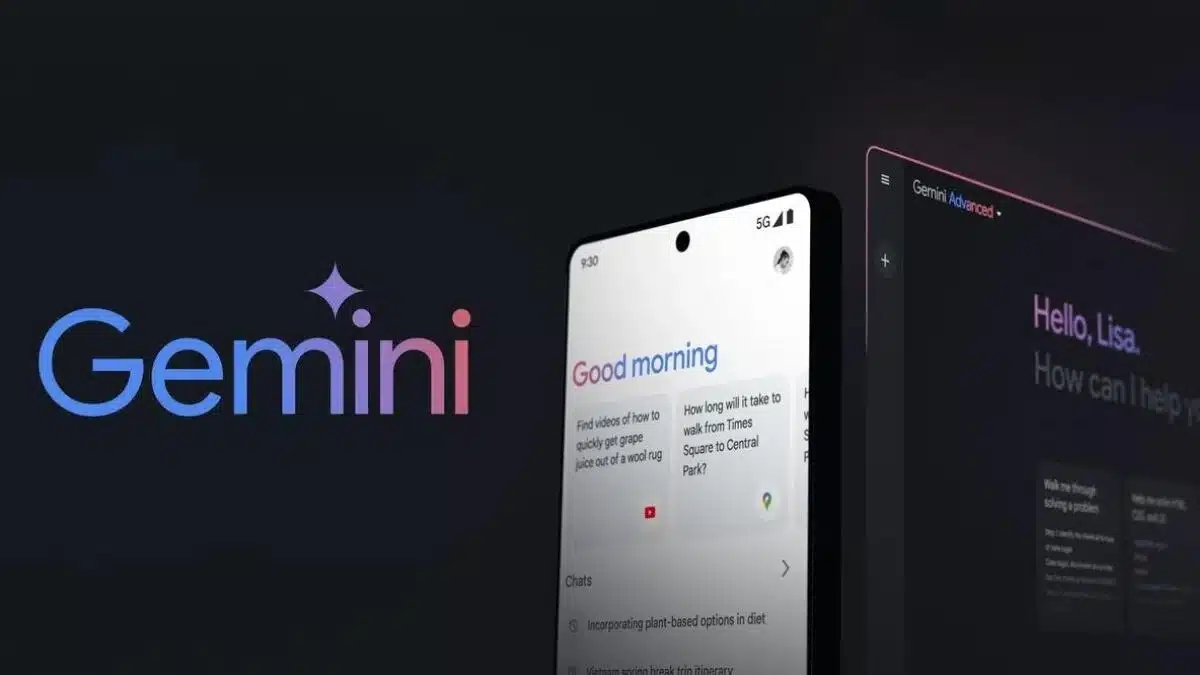
The official Gemini handle on X (formerly known as Twitter) confirmed the rollout of the Deep Research AI agent for Android users. According to the announcement, the feature is being gradually deployed and may take a few weeks to become available worldwide. Once integrated, users can access Deep Research through the Gemini Advanced drop-down menu within the app. This move is expected to enhance the app’s functionality, providing a more seamless and efficient research experience for mobile users.

One of the key highlights of the Deep Research AI agent is its multilingual support. Upon its initial launch, Google stated that the tool would be available in 45 languages, including Arabic, Bengali, English, French, Japanese, Russian, Tamil, and Vietnamese. This wide linguistic range makes the AI-powered research assistant more accessible to users across different regions, allowing them to conduct research in their preferred language with ease.

Deep Research is powered by Gemini 1.5 Pro, Google’s latest AI model, which enables it to process and analyze complex queries efficiently. As AI continues to evolve, integrating research-focused tools like this into mobile applications signifies Google’s commitment to making advanced AI-driven assistance more accessible. With the expansion of Deep Research into the Gemini Android app, users can expect a more comprehensive and intelligent research experience right at their fingertips.

Google Developing ‘Talk Live About Screen’ Shortcut for Gemini Live

Google is reportedly developing a new shortcut for its Gemini Live feature, making AI interactions even more seamless. First mentioned during the recent Galaxy Unpacked event, the “Talk Live About Screen” shortcut will allow users to have real-time, two-way voice conversations with Gemini AI about the content displayed on their screens. While initially showcased for the Samsung Galaxy S25 series, the feature is expected to roll out to other Android devices in the near future. A recent leak has provided further evidence that Google is actively working on integrating this shortcut into Gemini Live.

A well-known tipster, AssembleDebug, shared insights about the new shortcut on X (formerly Twitter). Although the method used to discover it remains unclear, it was likely found in the latest beta version of the Google or Gemini app. A screenshot shared in the post reveals the presence of a redesigned Gemini overlay, where a new “Ask About Screen” icon sits atop the user interface. This feature allows the AI assistant to capture a quick screenshot, enabling users to type their queries and receive AI-powered insights.

Currently, Gemini allows users to analyze on-screen content through text input, but voice-based interactions are not yet supported in this context. The new “Talk Live About Screen” shortcut aims to address this limitation by enabling spoken conversations about on-screen elements. The shortcut is positioned directly above the “Ask About Screen” button, offering users a more intuitive and efficient way to engage with Gemini AI.

At the Galaxy Unpacked event, a Google representative explained that tapping the shortcut would instantly take a screenshot and open the Gemini Live interface, allowing users to verbally interact with the AI. Although Google has not officially announced a release date, the presence of this feature in testing suggests that it could be rolled out soon, potentially transforming how users engage with AI for real-time screen analysis.