Yazılar

Google Reports 250 Complaints Over AI-Generated Deepfake Terrorism Content to Australian Regulator

Google has informed Australian regulators that it received over 250 complaints globally between April 2023 and February 2024, indicating that its AI technology, specifically the Gemini model, was being used to create deepfake terrorism content. Additionally, the company reported dozens of complaints regarding the use of Gemini to generate child abuse material, according to the Australian eSafety Commission.

Under Australian law, tech companies are required to periodically report their harm minimization efforts to the eSafety Commission, or risk facing fines. This reporting period marks the first disclosure of such data, which regulators have described as a “world-first insight” into how AI is being exploited for harmful and illegal purposes.

The Australian eSafety Commission emphasized the importance of companies developing AI products to implement safeguards to prevent the generation of harmful material. eSafety Commissioner Julie Inman Grant stated that the findings highlight the critical need for effective protective measures.

According to Google’s report, it received 258 user complaints about AI-generated deepfake terrorist or extremist content created with Gemini, along with 86 reports concerning AI-generated child exploitation or abuse material. However, the company did not specify how many of these complaints were verified.

A Google spokesperson confirmed that the company does not allow the generation or distribution of illegal content, including material related to terrorism, child exploitation, or other abuses. Google also noted that the number of reports provided to eSafety represents the total global volume of complaints, not confirmed policy violations.

While Google uses a system called “hatch-matching” to identify and remove child abuse content generated with Gemini, the company did not apply the same system to detect terrorist or extremist material. This lack of a similar safeguard for violent content has raised concerns among regulators.

The Australian eSafety Commission has previously fined Telegram and Twitter (now X) for their inadequate reporting practices, with X losing an appeal over a fine of A$610,500 ($382,000). Telegram is also preparing to challenge its fine.
Gemini and Imagen 3 to Enable Google Workspace Users to Create Custom Images of People

Google has announced that Workspace users will now be able to generate images of people using its advanced Gemini AI, marking a significant update to its suite of productivity tools. This new capability is part of the company’s broader initiative to enhance its Google Workspace offerings with artificial intelligence (AI) features. The rollout comes after a brief period in February 2024, when Google temporarily removed Gemini’s ability to create images involving people due to concerns over the generation of inaccurate and biased visuals that raised the risk of deepfakes.

As part of its latest update, Google has integrated AI features into the core Google Workspace subscription, eliminating the previous Gemini add-on. This shift allows all paid subscribers access to the first batch of new Gemini-powered features. Among these updates, the most noteworthy is the ability to generate images featuring people, thanks to the advanced capabilities of the Imagen 3 AI model. This marks a return for the feature, which was initially suspended but is now reintroduced with additional safeguards.

Google had rolled back this feature in early 2024 after AI-generated images were found to potentially propagate harmful biases. In response, the company has re-launched the functionality in an early access phase starting in August 2024, after implementing a series of safeguards designed to reduce the risk of misuse. These measures aim to ensure that the generated images are more accurate and ethically produced, providing users with a more secure experience when creating custom images of people.

To further protect against potential misuse, Google has also integrated SynthID, a watermarking tool that tags AI-generated images for identification. This feature is intended to ensure that images created by Gemini can be clearly distinguished from authentic photographs, adding an extra layer of accountability. With these enhancements, Google is positioning itself as a leader in responsible AI deployment within its productivity ecosystem, giving users powerful new tools while maintaining safeguards to prevent harm.

Gemini Extensions Now Compatible with Android Lock Screen

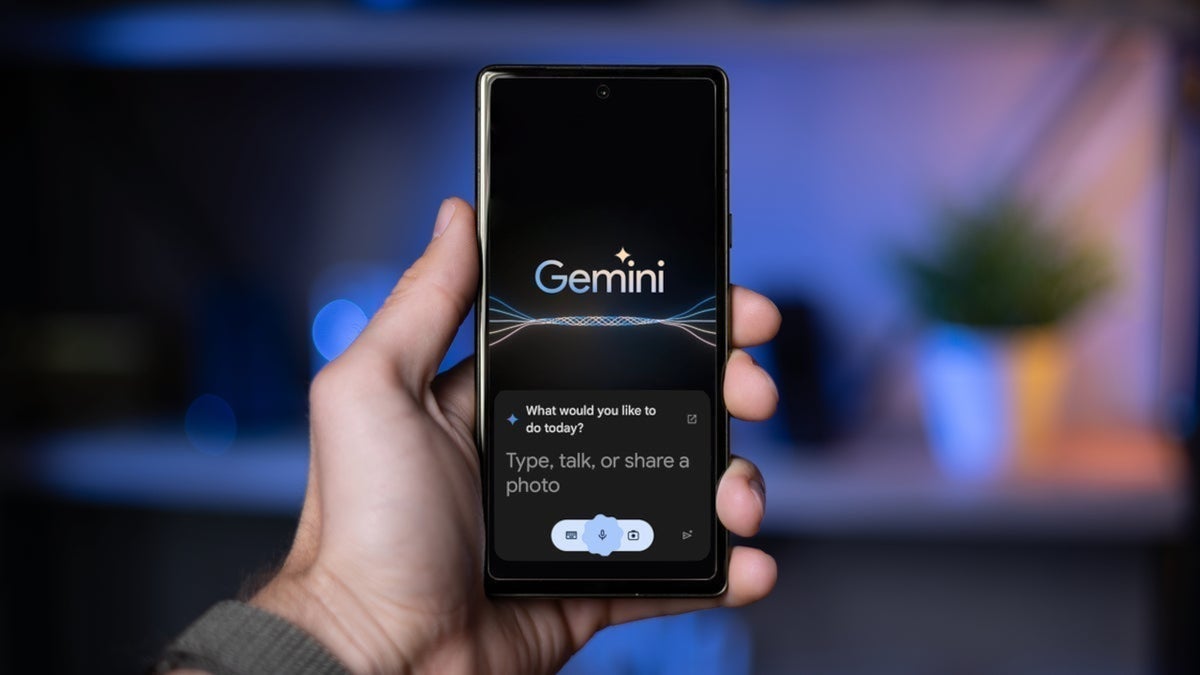
Google has expanded the capabilities of its Gemini AI assistant by enabling extensions to work directly on the lock screen of Android devices. While Gemini was previously able to perform some basic tasks like turning on the flashlight or setting an alarm, these functions were routed through Google Assistant. Now, with this new update, Gemini can execute these tasks autonomously on the lock screen, providing a more seamless experience for users without needing to unlock their device or interact with Google Assistant.

In a detailed support page, Google explained that the Gemini extensions, which were initially introduced last year, are now available to perform on-device tasks even when the device is locked. These extensions allow Gemini to interact with various apps and features on the phone, streamlining the process of managing routine tasks. While this update adds more flexibility, tasks that require access to personal information from apps—such as checking messages or performing secure transactions—will still necessitate unlocking the device first for privacy and security reasons.

Gemini extensions were previously available through the web client and Android app, but the integration with the lock screen is a significant step forward in making the AI assistant more versatile. The update reduces friction for users who need to carry out simple tasks, such as setting reminders or controlling media, without unlocking their phones. This is expected to enhance convenience for Android users, as it brings more functionality to the device’s lock screen.

For many Android users, this improvement marks a major leap in how AI assistants can be utilized in everyday scenarios. The ability to quickly perform actions without unlocking the phone is particularly useful for on-the-go moments, where speed and efficiency are key. As Google continues to refine and expand Gemini’s capabilities, we can expect even more innovative features to emerge, further integrating AI into the user experience.