Yazılar

Android 16 Could Bring Mouse Cursor Transitions and Advanced External Display Controls

Android 16 is currently in development as Google’s next-generation operating system for smartphones, and new reports suggest it may introduce enhanced tools for external display management. Expected to launch in the summer, this update could bring features that improve how users interact with multiple screens. Among the rumored changes, Android 16 might allow users to rearrange external displays more easily and offer seamless options to switch between mirroring and extending their phone’s screen. These upgrades could significantly improve the multitasking experience on Android devices.

A report from Android Authority, authored by Mishaal Rahman, sheds light on Google’s efforts to refine external display support in Android 16. According to the findings, one of the major additions could be mouse cursor transitions, allowing smoother movement across connected displays. This feature would make using an external monitor with an Android device feel more like working on a traditional desktop operating system, such as Windows or macOS. By implementing cursor transitions, Google aims to enhance usability for those who connect their smartphones to larger screens for work or entertainment.

In addition to improved cursor movement, Android 16 may also introduce a dedicated toggle for switching between screen mirroring and extended display modes. Currently, users often need to dive into developer settings and reconnect their devices to adjust these options. The proposed toggle would simplify the process, making it more accessible for everyday users who frequently use their Android phones with external monitors or docks. This change could benefit professionals who rely on their smartphones as portable computing devices.

To verify these potential features, the report connected a Google Pixel 8 Pro to the NexDock XL and explored Android’s External Display settings. While the enhancements are still in testing, they highlight Google’s growing focus on improving Android’s usability beyond mobile screens. If implemented, these changes could position Android 16 as a more versatile OS, catering to users who seek a desktop-like experience on their smartphones.
Google Rebrands Gemini Extensions as ‘Apps’, Enhanced with Gemini 2.0 Flash Thinking

Google is introducing several updates to its Gemini platform, announced on Friday, aimed at improving user experience and enhancing its artificial intelligence (AI) capabilities. The updates focus on two main areas: a change in terminology for Gemini tools and an upgrade to how the AI chatbot integrates with other apps. This rollout is currently being extended to all Google Workspace accounts, but the terminology shift applies to all users of Gemini, bringing a more streamlined and unified experience.

One of the key changes involves renaming the Gemini extensions as “apps.” While the functionality of these extensions remains unchanged, Google has decided to remove the term “extensions” from the platform entirely. Instead, the Gemini interface will refer to these tools simply as apps, eliminating any mention of the previous term across both the Gemini app and the web client. This shift is designed to make the overall experience feel more cohesive and intuitive for users, aligning with a growing trend toward simplifying interface language.

As part of this update, the Gemini extensions menu is now labeled as the “Apps” menu. The description has also been updated to reflect the new terminology, now reading, “Bring it all together with Gemini and your favourite apps.” This replaces the earlier phrasing that mentioned extensions. Furthermore, the option to manage Gemini tools has been reworded from “Turn Gemini Extensions on or off anytime” to “Manage which apps Gemini connects to,” further emphasizing the move toward simplifying the platform’s language and user controls.

These changes signal Google’s ongoing efforts to enhance the integration between its AI services and other apps within the ecosystem. By adopting the term “apps,” the company aims to create a more seamless connection between Gemini and the wider array of tools available, improving the platform’s flexibility and user-friendliness. As Gemini continues to evolve, these updates are just a part of a broader push to make AI-driven interactions more accessible and easier to navigate for users across different platforms.

Google Pixel 9a Design and Color Variants Revealed in Leaked Renders

Google Pixel 9a Design and Colour Options Leaked Ahead of Launch

The Google Pixel 9a, the company’s upcoming mid-range smartphone, is expected to launch globally in the near future, according to recent reports. The device has been spotted online ahead of its official release, with tipster Evan Blass (@evleaks) sharing several design renders and marketing images. These leaks provide a clear look at the Pixel 9a’s design, colour options, and key features. The smartphone has already made an appearance on the US FCC website, and it is expected to support satellite connectivity, offering a new dimension to its connectivity options.

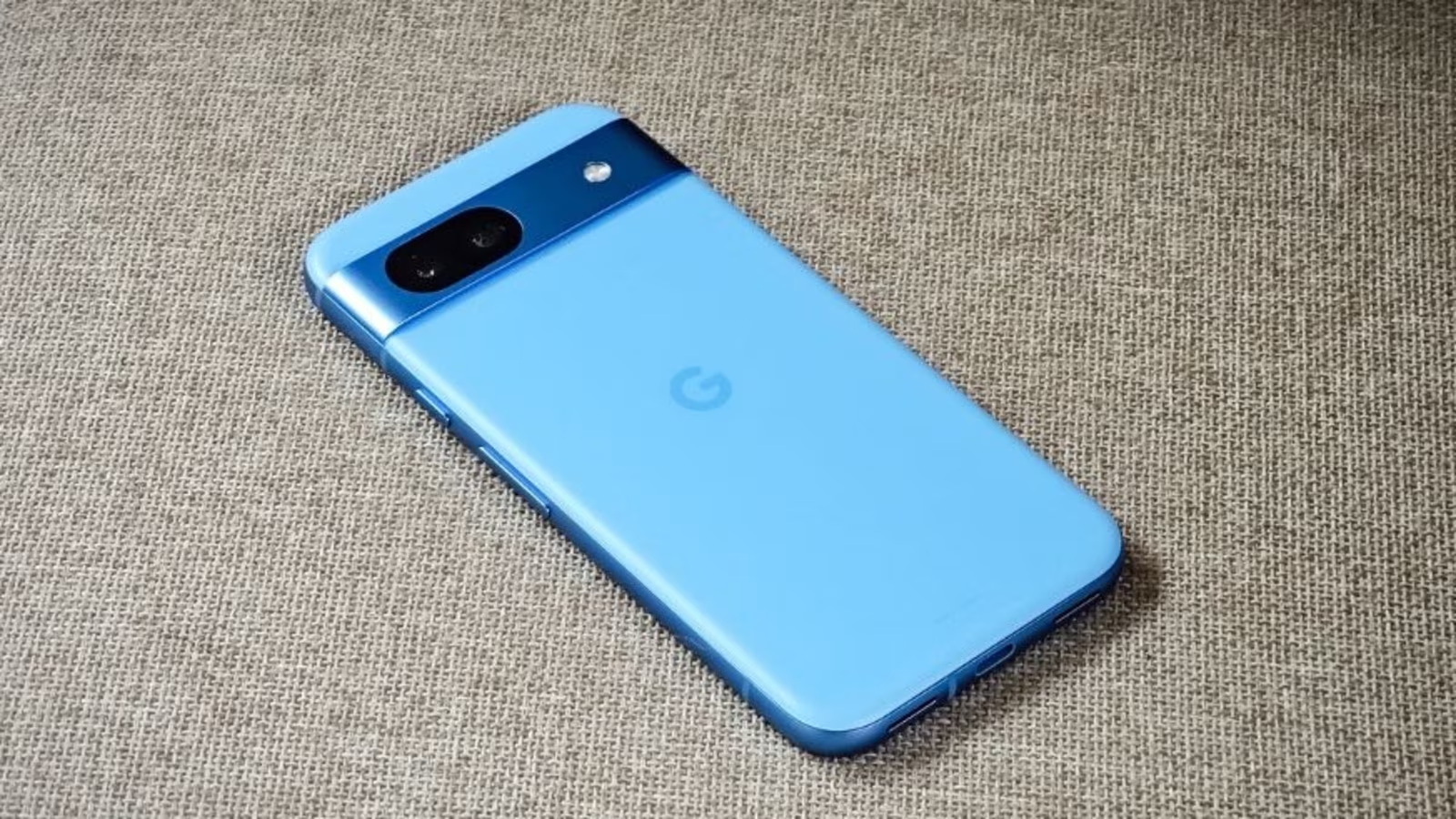
In the leaked design renders, the Pixel 9a is shown to sport a dual rear camera setup without the raised camera module that has become a hallmark of other models in the Pixel 9 lineup. The design appears to be sleeker and more streamlined, with the rear panel and sides of the device shown in detail. The Pixel 9a is expected to come in four colour options: Iris (Purple), Obsidian, Peony, and Porcelain. The renders showcase all four colours, with a notable visual featuring water droplets on the rear panel, likely hinting at the device’s IP68 rating for dust and water resistance. This feature is expected to set the Pixel 9a apart from other mid-range competitors.

Beyond the design, the marketing images leaked by Blass also reveal several key features of the Google Pixel 9a. These images hint at the integration of Google Gemini with apps such as Google Calendar, which could enhance the user experience by making it more seamless across Google’s ecosystem. In addition to these software features, the Pixel 9a is expected to come with improvements to the camera, as well as exclusive Pixel ecosystem features like Pixel drops, which could provide users with timely updates and enhancements.

The Pixel 9a seems poised to offer a solid blend of design, functionality, and advanced features, making it an attractive option for those seeking a more affordable entry into the Google ecosystem. With its reported satellite connectivity and IP68 rating, it may also stand out as a well-rounded device in the mid-range smartphone market. As the official launch draws closer, more details are likely to emerge, but the leaks have already set the stage for what could be an exciting release.