Yazılar

Google Drive Scanner Now Enhances Documents Automatically on Android

Google Drive’s mobile document scanner has received a significant upgrade with the introduction of a new feature called ‘auto enhancements.’ This feature automatically improves the resolution and image quality of digitized documents, making them clearer and easier to read. It addresses common issues like white balance, shadows, lighting, and contrast. Initially announced for Google Workspace users, this enhancement will also be accessible to personal Google account holders, ensuring broader availability.

Over the years, Google has consistently refined its document scanning tool within the Drive app for Android. Notably, the Mountain View-based tech giant introduced machine learning (ML)-powered features like title suggestions, automatic capture, and the ability to import images directly from the camera roll. These updates, alongside a redesigned camera viewfinder and a floating action button (FAB) for quick access to the scanner, showcased Google’s commitment to improving user experience.

More recently, Google enhanced the tool further by adding options to save scanned files as either PDFs or JPEGs, giving users more flexibility in handling their documents. A new black-and-white filter was also introduced to cater to users who prefer simplified, print-friendly scans. These updates collectively made the scanner a versatile tool for personal and professional use.

The newly added auto enhancement feature takes things a step further by leveraging advanced image processing to ensure high-quality scans. According to Google’s official blog post, the feature intelligently corrects issues like poor lighting or shadows, eliminating the need for manual adjustments. By automating these improvements, Google Drive’s scanner is becoming a more efficient and user-friendly tool for both casual and professional users alike.
Google Developing Motion Cues Feature to Combat Vehicle Motion Sickness

Google Developing Motion Cues Feature to Combat Motion Sickness in Vehicles
Google is reportedly working on a new feature designed to address motion sickness experienced by Android users during vehicle transit. Discovered through an APK teardown of the latest Google Play Services app, this feature, known as Motion Cues, is expected to offer native support for users who struggle with car sickness while using their smartphones. While third-party apps have been available for this purpose, Google’s solution aims to integrate this functionality directly into the Android operating system, potentially improving the experience for many users.

How the Motion Cues Feature Works
The Motion Cues feature was uncovered in the beta version 24.29.32 of the Google Play Services app, as reported by Android Authority and tipster Assemble Debug. The feature is designed to provide visual cues that help mitigate the effects of motion sickness. When activated, these cues adjust the screen’s display to match the motion of the vehicle, aligning with the user’s physical experience. This synchronization helps reduce the sensory conflict between what the user sees and feels, which is often a primary cause of motion sickness.

Automatic Activation for Seamless Experience
One of the key aspects of the Motion Cues feature is its ability to automatically detect when a user is in a moving vehicle. Once the system identifies that the user is likely traveling in a car, the feature can be set to auto-enable. This ensures that the visual cues are displayed without requiring manual input from the user, providing a seamless experience. This automatic functionality allows users to benefit from the feature without needing to adjust settings while on the go.

Potential Impact on Android Users
For users who suffer from motion sickness, particularly while using their phones during car rides, Google’s Motion Cues feature could be a game-changer. By integrating this feature natively into Android, Google is making it more accessible to a wider audience, offering a simple solution for an issue that many people face. As Google continues to refine and test the feature, it could become a standard tool for Android users, improving the overall in-car smartphone experience and making longer rides more comfortable.

Google’s Gemini AI Expands with Utilities Extension for Smartphone Task Management

Here’s a rewritten, four-paragraph version based on your text:


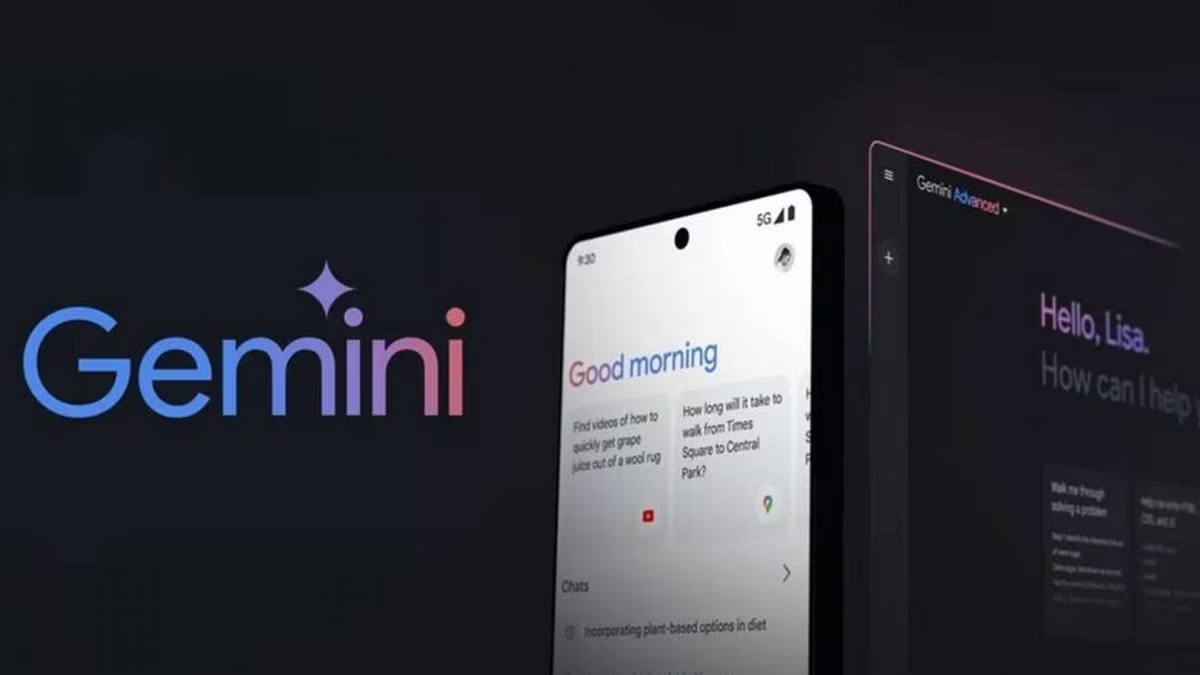
Google’s Gemini AI assistant has received a significant update with the introduction of a Utilities extension, enabling it to manage a range of smartphone tasks. Announced earlier this year at the Google I/O event, this extension allows the AI assistant to control functions like setting alarms and timers, adjusting volume, and opening the camera directly through voice commands. While the feature has already started appearing on select devices, a broader rollout is expected over the coming weeks, marking an important step forward in enhancing Gemini’s functionality for Android users.

To use the Utilities extension, users must ensure that Gemini is set as the default assistant on their Android devices. The feature is integrated into the Gemini app, leveraging the device’s virtual assistant framework to execute commands. However, it currently only supports prompts in English, which could limit accessibility for users who prefer other languages. Google has not yet announced plans for multi-language support but is expected to expand its capabilities in future updates to cater to its global audience.

This update addresses a long-standing limitation of the Gemini AI assistant, which previously could not handle basic device-related tasks such as setting an alarm or launching the camera. Before this extension, users had to rely on app-specific integrations or revert to Google Assistant to perform these actions, which disrupted the seamless experience Gemini aimed to provide. The new Utilities extension eliminates the need for such workarounds, making Gemini a more complete and versatile tool for Android users.

With the addition of the Utilities extension, Google has taken a crucial step toward closing the gap between Gemini and its competitors, such as Apple’s Siri and Amazon’s Alexa, which already offer extensive device control features. By integrating these core functions, Google is making Gemini more appealing to users who prioritize convenience and efficiency in their virtual assistants. As the rollout progresses, the Utilities extension has the potential to elevate Gemini’s role as a central hub for managing daily smartphone tasks, strengthening its position in the AI assistant market.