Yazılar

Samsung Galaxy M56 5G Launched with 50MP Camera and 7.2mm Slim Design: Price and Features Revealed

Samsung has officially launched the Galaxy M56 5G in India, bringing a range of upgrades compared to its predecessor, the Galaxy M55 5G. The new model boasts an impressively slim design, measuring just 7.2mm in thickness, making it 30% thinner than the M55’s 7.8mm profile. Samsung has also refined the bezels, making them 36% slimmer, and enhanced the display, which is now 33% brighter than the previous model. These improvements contribute to a more modern and sleek look while maintaining the device’s performance and functionality.

The Galaxy M56 5G will be available in two storage variants: 8GB + 128GB, priced at Rs. 27,999, and 8GB + 256GB, priced at Rs. 30,999. It will be available for purchase starting April 23 on both Amazon and Samsung’s official website. Additionally, HDFC Bank cardholders can avail an instant discount of Rs. 3,000, making it an attractive option for those looking to upgrade their smartphones. The device is available in two color options, Black and Light Green, catering to a variety of style preferences.

In terms of features, the Galaxy M56 5G is equipped with a 6.73-inch full-HD+ sAMOLED+ display, offering a 120Hz refresh rate for smoother scrolling and gaming. It also comes with Vision Booster support for enhanced visibility in bright environments. Under the hood, the phone is powered by the Exynos 1480 chipset, paired with 8GB of LPDDR5X RAM and up to 256GB of UFS 3.1 storage, ensuring fast performance and ample storage space for apps, media, and more. The phone runs on Android 15 with the One UI 7 skin, and users can expect six years of major OS updates and security patches, ensuring long-term software support.

The camera setup on the Galaxy M56 5G is designed to deliver high-quality imaging. The triple rear camera system features a 50-megapixel primary sensor with optical image stabilization (OIS) for sharp and stable shots, an 8-megapixel ultra-wide lens for expansive shots, and a 2-megapixel macro camera for close-up details. On the front, the 12-megapixel selfie camera supports HDR video, making it a solid choice for selfies and video calls. AI imaging features like object eraser, image clipper, and edit suggestions further enhance the camera experience, making it easy for users to capture and edit photos with professional-level results.

Samsung Delays One UI 7 Update for Certain Galaxy Phones, Now Expected in May or Later

Samsung’s rollout of the One UI 7 update for its devices has reportedly been delayed, with the update now expected to reach several Galaxy smartphones and tablets later than initially planned. After Samsung began rolling out the update in South Korea, the global release timeline for the Android 15-based OS has surfaced through claims made on social media. According to these reports, the update for devices like the Galaxy S23 series will likely be pushed back to May 2025, while some tablets, such as the Galaxy Tab S9 series, may not see the update until June or July.

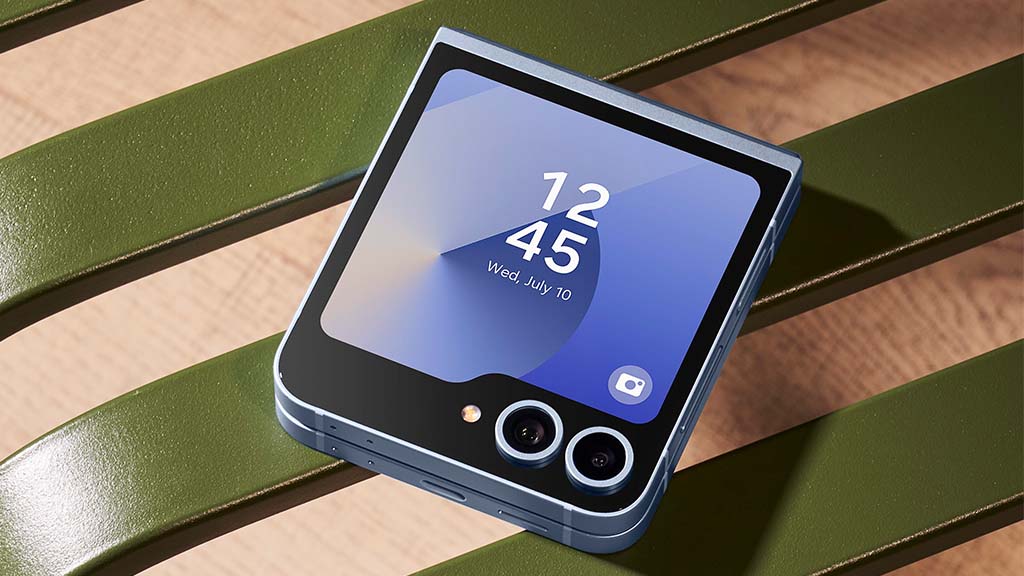
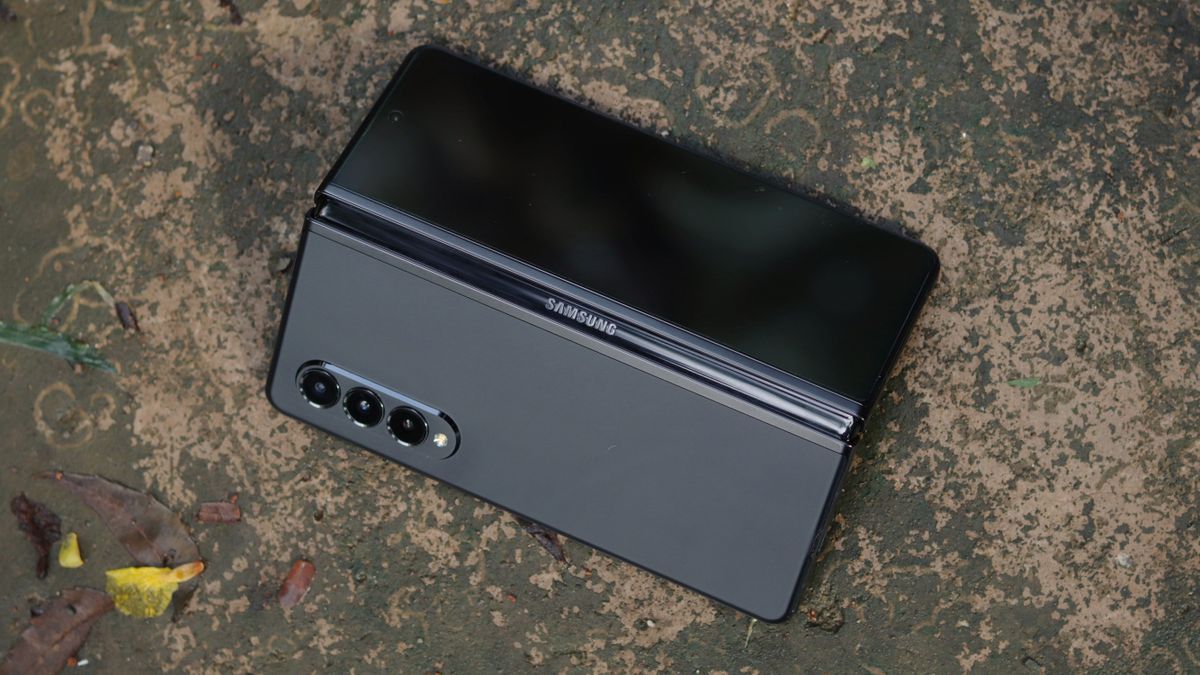
The information came to light through a Reddit post by @The_TAM, who claims to have found the release schedule for One UI 7 within the Samsung Members app. A screenshot from the app’s notice section suggests that, despite the delays, the Galaxy S24 series, along with the Galaxy Z Fold 6 and Z Flip 6, are still expected to receive the update in April. This aligns with previous reports that highlighted the S24 series as a priority for the initial rollout.

However, for other devices, the wait will be longer. The Galaxy S23 series, Galaxy Tab S10 series, Galaxy Z Fold 5, and Galaxy Z Flip 5 are now slated for the update in May, with some models potentially receiving the update later. This delay also affects several popular mid-range and budget devices. According to the social media post, the Galaxy Tab S9 FE series, Galaxy A35 5G, Galaxy A55 5G, and several others in the Galaxy A, F, and M series might have to wait until June before the update arrives.

As Samsung adjusts its timeline for One UI 7, users of affected devices will need to be patient. While some flagship models will receive the update on schedule, many mid-tier and older devices will face delays. Samsung has yet to provide official confirmation on these revised dates, but the information from the Samsung Members app suggests that May and even June 2025 will be key months for One UI 7’s broader distribution across the Galaxy lineup.

Gboard Introduces New Toolbar and Enhanced Voice Typing Features for Pixel and Select Devices

Google’s Gboard app is introducing new voice typing features for Pixel smartphones and select other devices, making it even easier for users to dictate messages and interact with their phones without having to touch the screen. While Gboard has long supported voice typing, the latest update brings several enhancements aimed at improving the overall experience, particularly when users are unable to use their hands to type. With these new features, Gboard expands the functionality of voice typing, enabling users to perform a wider variety of actions using just their voice.

One of the key improvements is the addition of a new toolbar for voice typing on Pixel devices. Previously, when voice typing was activated, the Gboard keyboard would remain visible on the screen, allowing users to edit text as they dictated. However, with the new update, the voice typing toolbar is now minimized and appears as a pill-shaped icon at the bottom of the screen when activated. This change frees up more space for the user to interact with the text, offering a cleaner and more intuitive experience while dictating messages.

Additionally, the new toolbar includes a hamburger menu on the left side that provides quick access to various dictation tools. One of the standout features is the “Show voice commands” option, which displays a list of available voice commands users can issue. For example, users can say “Send” to send a message, “Stop” to turn off the microphone, and “Delete” to remove the last word or highlighted word. There are also commands for clearing the last sentence or all of the text, as well as an “Undo” command to reverse the last action. These voice commands make it easier for users to manage their text hands-free.

Moreover, Gboard now allows users to insert emojis using voice descriptions. For instance, users can simply say the name of an emoji, like “smiling face with heart eyes,” and it will be added to their message. This new feature not only streamlines the typing process but also provides a fun and efficient way to personalize messages without needing to touch the screen. With these updates, Gboard’s voice typing feature becomes even more versatile, offering Pixel users and others a powerful tool for hands-free communication.