
Close Menu
  • Home
  • Technology
  • Devices
  • Business
  • Science
  • Gadgets
  • Startups
Ayaksız
  • Home
  • Technology

    Signal Blocks Screenshots to Keep AI Agents Out of Chats

    Kasım 23, 2026

    GTA VI Sets an Entertainment Record With $3.79 Billion in Day-One Sales

    Kasım 22, 2026

    Anthropic’s Record IPO: Strong Debut on Nasdaq, Then a Second-Day Slide

    Kasım 21, 2026

    November 2026 TOP500: Only 27 New Supercomputers Join the List, the Lowest Turnover Ever

    Kasım 20, 2026

    Lucid and Bolt Plan 25,000 Robotaxis for Europe

    Eylül 18, 2026
  • Devices

    Xiaomi Smart Door Lock 5 Face Edition Adds 3D Face and Palm Vein

    Kasım 23, 2026

    Honor Watch 6 Pro Opens for Pre-Order With a 5,500-Nit Display and Up to 18 Days of Battery

    Kasım 22, 2026

    Xiaomi 18 Pro and 18 Pro Max Go Global With Smaller Batteries and Higher Prices

    Kasım 21, 2026

    NVIDIA Announces Rubin HPC GPU With More Than 50,000 CUDA Cores, Due in 2028

    Kasım 20, 2026

    Projector Setup: Separate Placement, Lens Shift, Zoom, and Keystone

    Kasım 18, 2026
  • Business

    Google Pixel 11 Pro Leaked Renders Indicate It Might Sport Thinner Bezels Than the Pixel 10 Pro

    Mart 30, 2026

    Motorola Edge 70 Debuts With Snapdragon 7 Gen 4, Ultra-Slim 5.99mm Body

    Kasım 5, 2025

    Samsung Galaxy S26 Series Could See Price Increase Amid Rising Component Costs: Report

    Kasım 4, 2025

    Amazon’s AWS Partners with NBA to Power New AI Basketball Platform

    Ekim 4, 2025

    Billionaire-Backed Bitcoin Firm OranjeBTC to List on Brazil’s B3 Exchange

    Ekim 4, 2025
  • Science

    Webb Catches a Giant Star Swallowing Its Companion in Andromeda

    Kasım 23, 2026

    BepiColombo Enters Orbit Around Mercury After an Eight-Year Journey

    Kasım 22, 2026

    Voyager 1 Becomes the First Spacecraft One Light-Day From Earth

    Kasım 21, 2026

    Vitamin B12 Powers a Rechargeable Zinc-Air Battery in New Spanish Study

    Kasım 20, 2026

    Double Rainbows: Why the Outer Arc Reverses Its Colors

    Kasım 18, 2026
  • Gadgets

    Polly Digital Pet Clips to the Back of Your Phone

    Kasım 23, 2026

    Sony’s Retro MDR-3R Headphones Return With USB-C and a $60 Price

    Kasım 22, 2026

    Nothing Will Unveil Its Screenless AI Device on December 8 After a Photo Leaks

    Kasım 21, 2026

    Gizmodo’s Best Tech of 2026: The Gadgets That Won the Year

    Kasım 20, 2026

    Tripod Center Columns: Extra Height Comes with a Stability Tradeoff

    Kasım 18, 2026
  • Startups

    Palo Alto Networks to Buy AI Startup Applied Compute for $4.5B

    Kasım 23, 2026

    Bending Spoons Agrees to Buy Mailchimp From Intuit for $3.68 Billion

    Kasım 22, 2026

    DeepSeek Closes a Funding Round of About 100 Billion Yuan, Backed by Tencent and CATL

    Kasım 21, 2026

    Startup Funding This Week: MegaRobo, Boltz, Variational and BrightAI Lead a $765M Day

    Kasım 20, 2026

    Cache-Control for Startups: No-Cache and No-Store Solve Different Problems

    Kasım 18, 2026
Ayaksız
Anasayfa » Blog » Mesh Wi-Fi Placement Starts With the Link Between the Points
Devices

Mesh Wi-Fi Placement Starts With the Link Between the Points

By sevketayaksizEkim 27, 2026Yorum yapılmamış3 Mins Read
Facebook Twitter Pinterest LinkedIn Tumblr Email
Mesh Wi-Fi Placement Starts With the Link Between the Points
Share
Facebook Twitter LinkedIn Pinterest Email

When Wi-Fi is weak in a distant room, placing a mesh point in that exact location can seem like the obvious solution. The difficulty is that the new point also needs a reliable connection to the rest of the network.

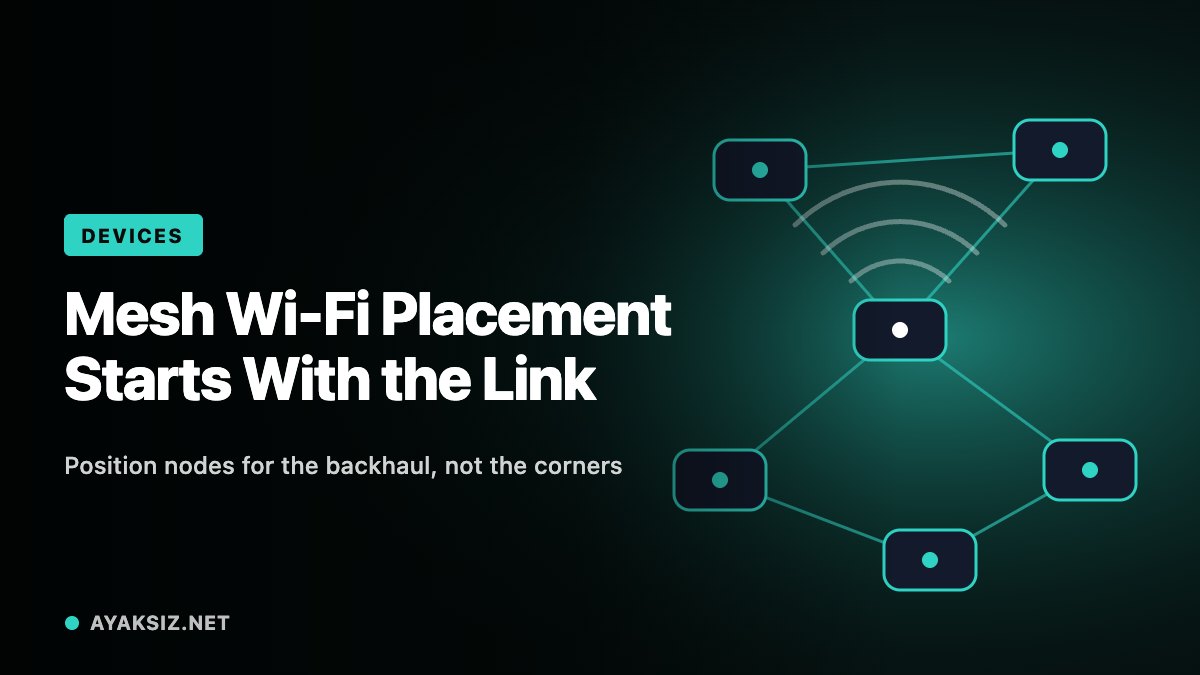
A mesh system is a chain of relationships between devices. Improving the final connection to a laptop or phone depends on the quality of the connections that feed it.

Placement should therefore begin with the network path, not simply with the room showing the weakest signal.

Give the main router a useful starting position

Google’s placement guidance recommends keeping supported Wi-Fi devices off the floor and in an open, central location where practical. It identifies home layout, construction, and the places where Wi-Fi is used as important factors.

The modem connection can restrict the router’s location, but that does not mean the nearest closed cabinet is the best place for it.

Inspect the surrounding area. Furniture, walls, and other obstructions may make a convenient storage position less useful for radio coverage.

Before buying additional equipment, consider whether the existing router can be moved into a more open location using an appropriate cable arrangement.

Place the next point within reach

For its mesh products, Google recommends placing an additional point partway toward the area needing coverage rather than directly in the weakest spot. Its documentation also recommends using a mesh test and adjusting placement afterward.

Think of a hallway between the router and a back office. A point in that intermediate area may provide a stronger path than one hidden beside the desk at the far end.

The exact position depends on the building. Treat manufacturer distance suggestions as a starting point rather than a guarantee that every wall or floor behaves identically.

Test the inter-point connection and the experience in the destination room.

Separate coverage from internet service

Google’s troubleshooting guidance distinguishes local placement problems from other causes, including bandwidth use and issues with the internet provider.

This distinction prevents unnecessary rearrangement.

If every device is slow even close to the router, the problem may not be the far room’s coverage. If the connection works well nearby but degrades in one location, placement becomes a stronger candidate.

Use the same device for comparisons where possible. Different phones and laptops can introduce another variable into the investigation.

Make one change and measure again

Choose a practical activity such as a video call or a large internal file transfer, alongside the system’s own diagnostic tools. Record where the point was placed and whether the result improved.

Move one point at a time. Repositioning the entire network simultaneously makes it difficult to understand which change mattered.

Check ordinary conditions, including closed doors and the room arrangement used during the working day. An unusually favorable test setup may not represent daily use.

Adding more points should follow evidence that the current arrangement cannot provide adequate coverage. A successful mesh layout is one in which the router, intermediate points, and end devices all have usable connections.

The strongest signal icon in one room is only part of the goal. Consistent performance across the path is what makes the network dependable.

Share. Facebook Twitter Pinterest LinkedIn Tumblr Email
sevketayaksiz
  • Website

Related Posts

Xiaomi Smart Door Lock 5 Face Edition Adds 3D Face and Palm Vein

Kasım 23, 2026

Honor Watch 6 Pro Opens for Pre-Order With a 5,500-Nit Display and Up to 18 Days of Battery

Kasım 22, 2026

Xiaomi 18 Pro and 18 Pro Max Go Global With Smaller Batteries and Higher Prices

Kasım 21, 2026
Add A Comment

Comments are closed.

Recent Posts
  • Signal Blocks Screenshots to Keep AI Agents Out of Chats
  • Polly Digital Pet Clips to the Back of Your Phone
  • Xiaomi Smart Door Lock 5 Face Edition Adds 3D Face and Palm Vein
  • Palo Alto Networks to Buy AI Startup Applied Compute for $4.5B
  • Webb Catches a Giant Star Swallowing Its Companion in Andromeda
Tags
AI AI Chips AI Infrastructure Amazon Android Apple Artificial Intelligence Bitcoin ChatGPT China Cryptocurrency Cybersecurity data centers DeepSeek Donald Trump Electric Vehicles Elon Musk Ether Generative AI Google Huawei India Investment Iphone Meta Microsoft NASA National Security Nvidia OnePlus OpenAI Oppo Realme Samsung semiconductor industry Social media Sony SpaceX Technology Tesla Tether TikTok Vivo WhatsApp Xiaomi
Ayaksız
Instagram
© 2026 Ayaksız.

Type above and press Enter to search. Press Esc to cancel.